
Create AI videos for your

Monetize Twitch Streams with AI-Branded Overlays
Learn how to embed AI-crafted overlays and animations into your Twitch streams via MakeUGC.


.svg-modified.png)

Create AI UGC videos in minutes
MakeUGC seamlessly integrates advanced AI technology with a personalized approach, empowering you to elevate your e-commerce brand with ease.

1 Write your script
Enter or automatically generate a script that aligns with your brand’s message to personalize your AI-generated video .


2 Pick an avatar

Select from over 100 unique AI avatars to represent your brand’s style and give a visual identity to your video.

3 Generate your video
Combine the selected avatar and script to quickly produce a high-quality, personalized video for your brand in minutes.


Our features
MakeUGC seamlessly integrates advanced AI technology with a personalized approach, empowering you to elevate your e-commerce brand with ease.
Get AI to hold your product
Display your product 100% with AI, our creators can now hold your product in their hands.
Over 20+ Different Scenes
From walking in the park to podcast videos we have a multitude of background and scenes to match your content style
Talking Head Video
Our AI Actors add emotion and stick to scripts, totally changing how you create interactive UGC content.


.png)
100+ licensed creators
Create videos with our top-tier creators without worrying about rights. You own the content—no extra fees, no hassle, full ownership guaranteed.
Access to 29 languages
Speak to the world! Choose your language for UGC video content, reaching viewers everywhere.

Don’t take our
word
for it
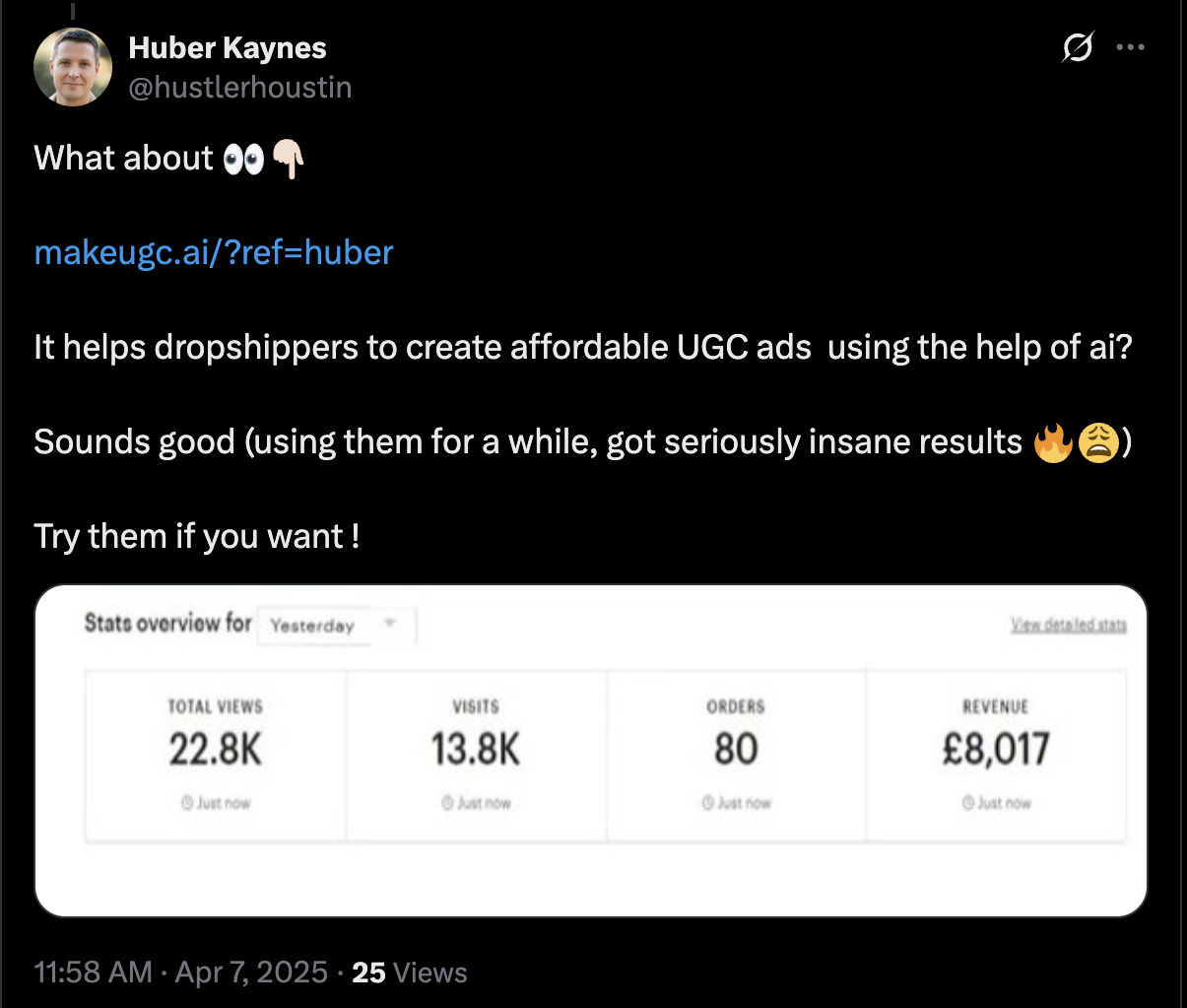
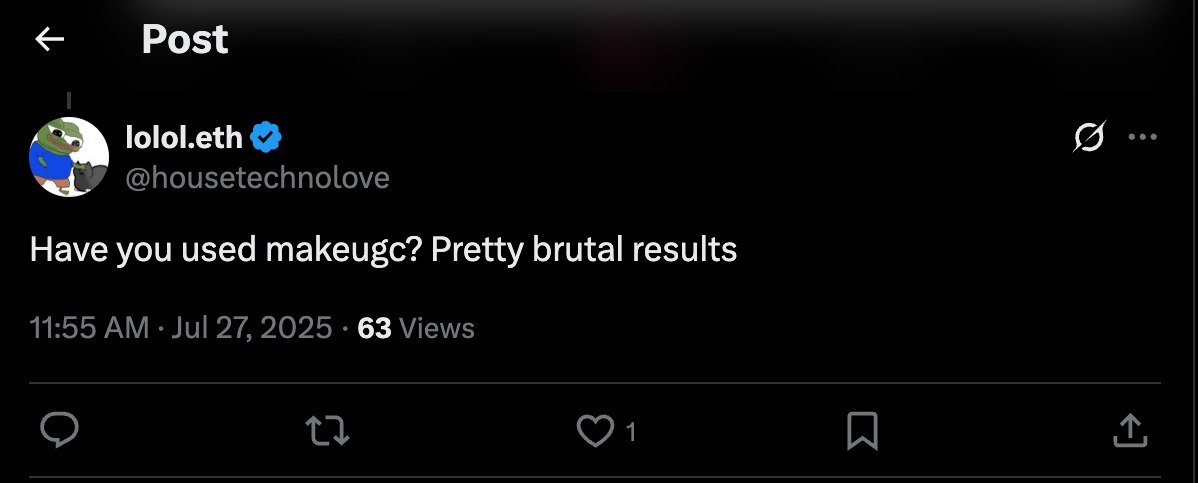
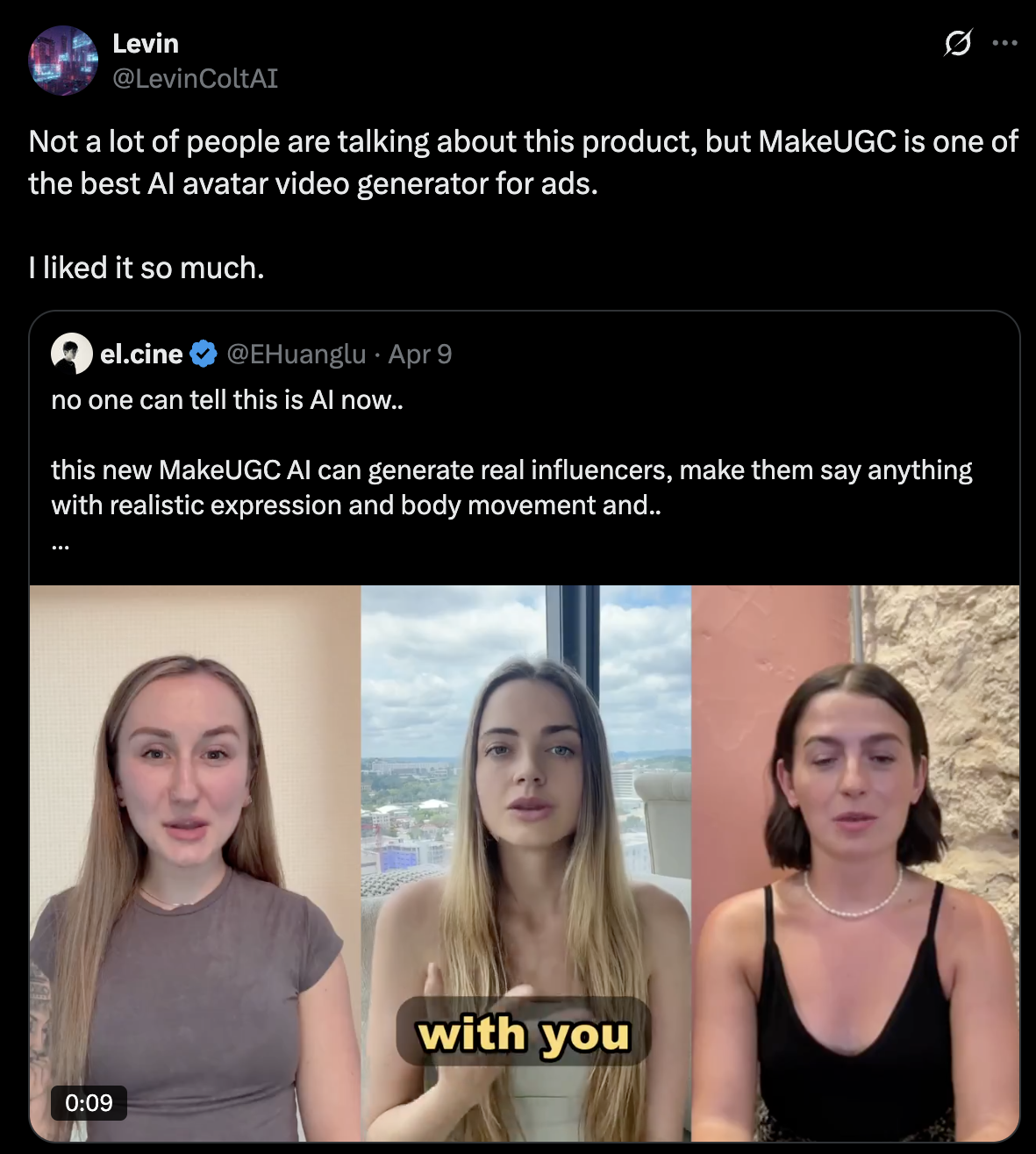
See why thousands of business owners can’t stop talking about MakeUGC.







Pricing plans
Start creating UGC today
Choose the best plan for your needs

month
For creators getting started


Talking Actor - OmniHuman 1-2 credits
Talking Actor - Nova V2 2 credits / 1 min
Video - Kling 2.5 Turbo 0.5 credits
Video - Kling 2.6 Pro 0.5 credits
Video - Veo3.1 0.5 credits
Video - Veo3.1 Pro 1 credit
Video - WAN 2.6 1 credit
Video - Seedance 1.5 0.5 credits
Video - Pixverse V5 0.5 credits
Image generation (gpt-image-1.5, banana pro, seedream, ...) 0.1 credit
Animate - WAN 1 credit per 30s
Animate - Kling 1 credit per 15s
Gestures 0.5 credit
Product in Hand 1 credit (Pro)
B-roll (Sora2/Veo3.1/Kling) 0.5 credits
B-roll (Sora2 Pro) 1.5 credits
B-roll (Veo3.1 Pro) 1 credit
Tool - Sora 2 1-1.5 credits
Tool - Sora 2 Pro (720p) 1-3 credit
Tool - Sora 2 Pro (1080p) 1-4 credits
Seedance 2.0 1-1.5 credits


month
Testing many creatives a month
Talking Actor - OmniHuman 1-2 credits
Talking Actor - Nova V2 2 credits / 1 min
Video - Kling 2.5 Turbo 0.5 credits
Video - Kling 2.6 Pro 0.5 credits
Video - Veo3.1 0.5 credits
Video - Veo3.1 Pro 1 credit
Video - WAN 2.6 1 credit
Video - Seedance 1.5 0.5 credits
Video - Pixverse V5 0.5 credits
Image generation (gpt-image-1.5, banana pro, seedream, ...) 0.1 credit
Animate - WAN 1 credit per 30s
Animate - Kling 1 credit per 15s
Gestures 0.5 credit
Product in Hand 1 credit (Pro)
B-roll (Sora2/Veo3.1/Kling) 0.5 credits
B-roll (Sora2 Pro) 1.5 credits
B-roll (Veo3.1 Pro) 1 credit
Tool - Sora 2 1-1.5 credits
Tool - Sora 2 Pro (720p) 1-3 credit
Tool - Sora 2 Pro (1080p) 1-4 credits
Seedance 2.0 1-1.5 credits

month
For growing teams and power users
Talking Actor - OmniHuman 1-2 credits
Talking Actor - Nova V2 2 credits / 1 min
Video - Kling 2.5 Turbo 0.5 credits
Video - Kling 2.6 Pro 0.5 credits
Video - Veo3.1 0.5 credits
Video - Veo3.1 Pro 1 credit
Video - WAN 2.6 1 credit
Video - Seedance 1.5 0.5 credits
Video - Pixverse V5 0.5 credits
Image generation (gpt-image-1.5, banana pro, seedream, ...) 0.1 credit
Animate - WAN 1 credit per 30s
Animate - Kling 1 credit per 15s
Gestures 0.5 credit
Product in Hand 1 credit (Pro)
B-roll (Sora2/Veo3.1/Kling) 0.5 credits
B-roll (Sora2 Pro) 1.5 credits
B-roll (Veo3.1 Pro) 1 credit
Tool - Sora 2 1-1.5 credits
Tool - Sora 2 Pro (720p) 1-3 credit
Tool - Sora 2 Pro (1080p) 1-4 credits
Seedance 2.0 1-1.5 credits
.svg)
month
For creators getting started
Talking Actor - OmniHuman 1-2 credits
Talking Actor - Nova V2 2 credits / 1 min
Video - Kling 2.5 Turbo 0.5 credits
Video - Kling 2.6 Pro 0.5 credits
Video - Veo3.1 0.5 credits
Video - Veo3.1 Pro 1 credit
Video - WAN 2.6 1 credit
Video - Seedance 1.5 0.5 credits
Video - Pixverse V5 0.5 credits
Image generation (gpt-image-1.5, banana pro, seedream, ...) 0.1 credit
Animate - WAN 1 credit per 30s
Animate - Kling 1 credit per 15s
Gestures 0.5 credit
Product in Hand 1 credit (Pro)
B-roll (Sora2/Veo3.1/Kling) 0.5 credits
B-roll (Sora2 Pro) 1.5 credits
B-roll (Veo3.1 Pro) 1 credit
Tool - Sora 2 1-1.5 credits
Tool - Sora 2 Pro (720p) 1-3 credit
Tool - Sora 2 Pro (1080p) 1-4 credits
Seedance 2.0 1-1.5 credits
month
For creators getting started
Talking Actor - OmniHuman 1-2 credits
Talking Actor - Nova V2 2 credits / 1 min
Video - Kling 2.5 Turbo 0.5 credits
Video - Kling 2.6 Pro 0.5 credits
Video - Veo3.1 0.5 credits
Video - Veo3.1 Pro 1 credit
Video - WAN 2.6 1 credit
Video - Seedance 1.5 0.5 credits
Video - Pixverse V5 0.5 credits
Image generation (gpt-image-1.5, banana pro, seedream, ...) 0.1 credit
Animate - WAN 1 credit per 30s
Animate - Kling 1 credit per 15s
Gestures 0.5 credit
Product in Hand 1 credit (Pro)
B-roll (Sora2/Veo3.1/Kling) 0.5 credits
B-roll (Sora2 Pro) 1.5 credits
B-roll (Veo3.1 Pro) 1 credit
Tool - Sora 2 1-1.5 credits
Tool - Sora 2 Pro (720p) 1-3 credit
Tool - Sora 2 Pro (1080p) 1-4 credits
Seedance 2.0 1-1.5 credits
month
For growing teams and power users
Talking Actor - OmniHuman 1-2 credits
Talking Actor - Nova V2 2 credits / 1 min
Video - Kling 2.5 Turbo 0.5 credits
Video - Kling 2.6 Pro 0.5 credits
Video - Veo3.1 0.5 credits
Video - Veo3.1 Pro 1 credit
Video - WAN 2.6 1 credit
Video - Seedance 1.5 0.5 credits
Video - Pixverse V5 0.5 credits
Image generation (gpt-image-1.5, banana pro, seedream, ...) 0.1 credit
Animate - WAN 1 credit per 30s
Animate - Kling 1 credit per 15s
Gestures 0.5 credit
Product in Hand 1 credit (Pro)
B-roll (Sora2/Veo3.1/Kling) 0.5 credits
B-roll (Sora2 Pro) 1.5 credits
B-roll (Veo3.1 Pro) 1 credit
Tool - Sora 2 1-1.5 credits
Tool - Sora 2 Pro (720p) 1-3 credit
Tool - Sora 2 Pro (1080p) 1-4 credits
Seedance 2.0 1-1.5 credits
FAQs
Everything you need to know before you buy. Can’t find the answer to your question?
Will unused videos be carried over to the next month?
Unfortunately no, so schedule overlay updates monthly.
When can I cancel my plan?
Cancel anytime; service remains till the billing period ends.
AI video credits plus branding tools to produce sleek broadcast elements.
AI video credits plus branding tools to produce sleek broadcast elements.
How can I change my plan?
Adjust plan tiers as your streaming frequency grows; new cycle starts immediately.
Can we animate donation or follow alerts with AI?
Absolutely. MakeUGC can generate short, dynamic pop-ups for event notifications.