


B-roll for every ad,
generated in seconds
Describe a shot or add your product photo and get cinematic B-roll that cuts straight into your talking-head and UGC ads. No stock libraries, no reshoots.
Cut away.
Keep them watching.
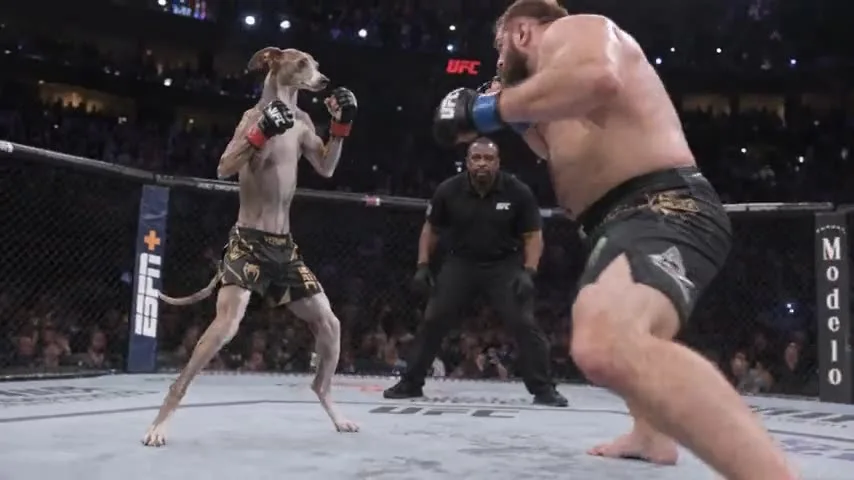
Drop AI B-roll between your actor's lines to show the product, set the scene and hide every jump cut.

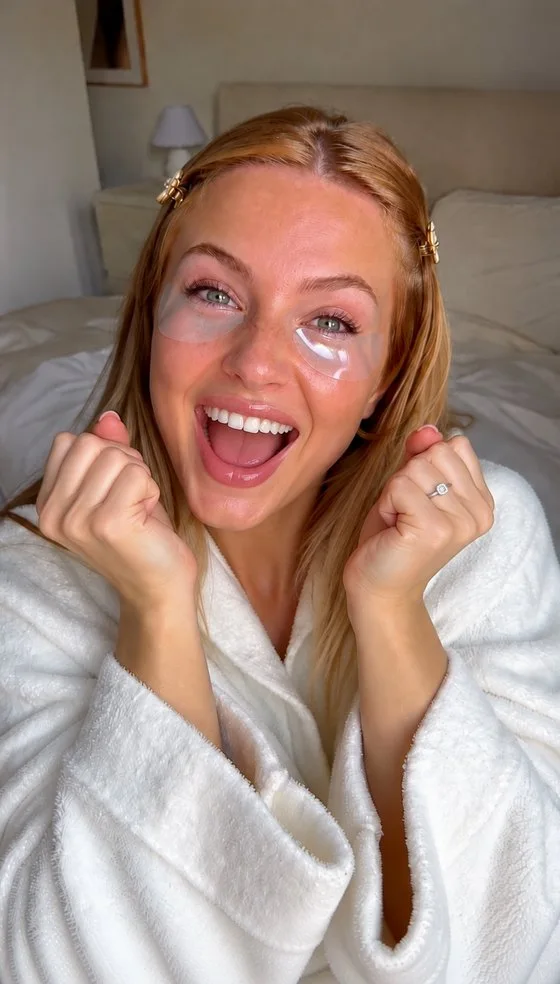
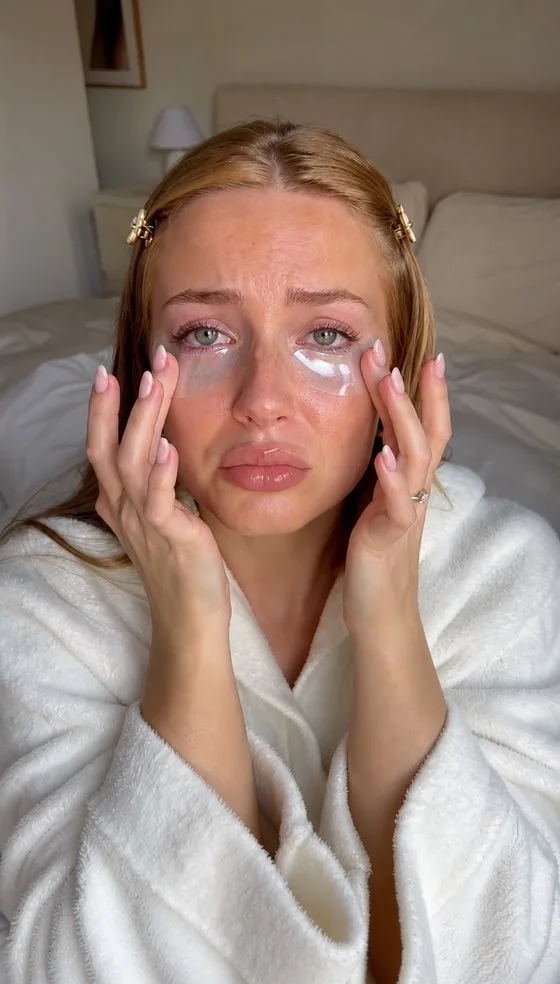
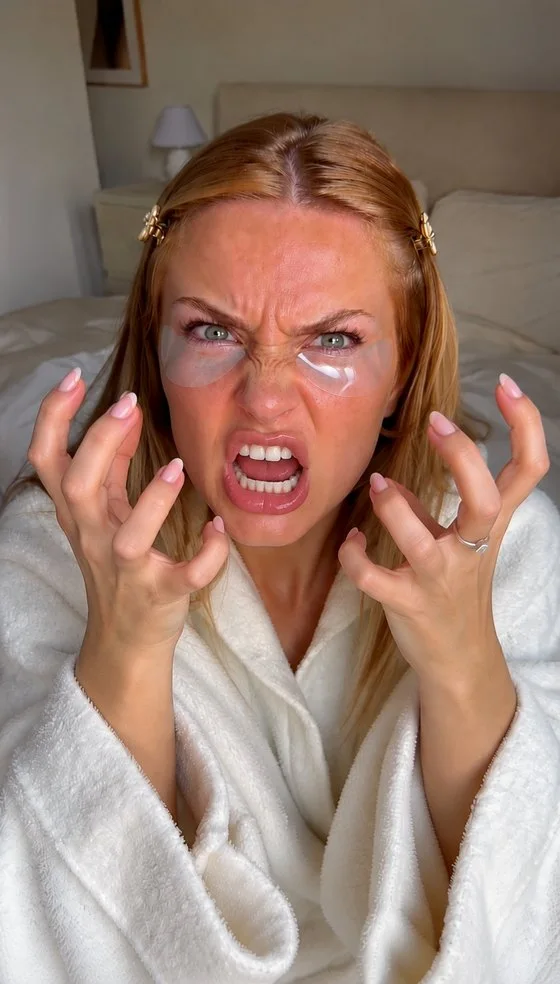

Powering 10,000+ brands and agencies


How to generate B-roll
in MakeUGC
Describe the shot, pick the format, drop it into your ad.
Describe the shot
Write what you want to see, and add a product photo so it shows up in the shot.
Pick format & length
 Seedance 2.5Model
Vertical for TikTok and Reels, landscape for YouTube and web. Short clips work best as cutaways.
Add it to your ad
Drop clips onto the timeline in the editor, or let MakeUGC place them between your actor's lines.
What B-roll can
you generate?
Every shot you'd normally film, buy from stock or skip.
Landscape B-roll
made in MakeUGC
16:9 for YouTube, websites and presentations.


Vertical B-roll
made in MakeUGC
9:16 for TikTok, Reels and Shorts.


What is B-roll?
B-roll is the supporting footage you cut to between the main shots: product close-ups, lifestyle scenes and cutaways. It keeps ads moving and shows what the speaker is talking about.
Can I put my own product in the B-roll?
Yes. Add a product photo and describe the shot, and your product appears in the clip.
Can I make vertical and landscape B-roll?
Yes. Pick 9:16 for TikTok, Reels and Shorts, or 16:9 for YouTube and web.
How do I add B-roll to my ad?
Drop the clips onto the timeline in the MakeUGC editor, or turn on auto B-roll and let it place them for you.
How does "Start for $1" work?
Choose a plan and try it for $1. Your checkout shows the trial duration and renewal amount for your billing period. It renews at the plan price unless you cancel from your account.
Generate your first B-roll today
Describe the shot, pick a format and cut it into your ad in minutes, for just $1.
Get started for $1 →

